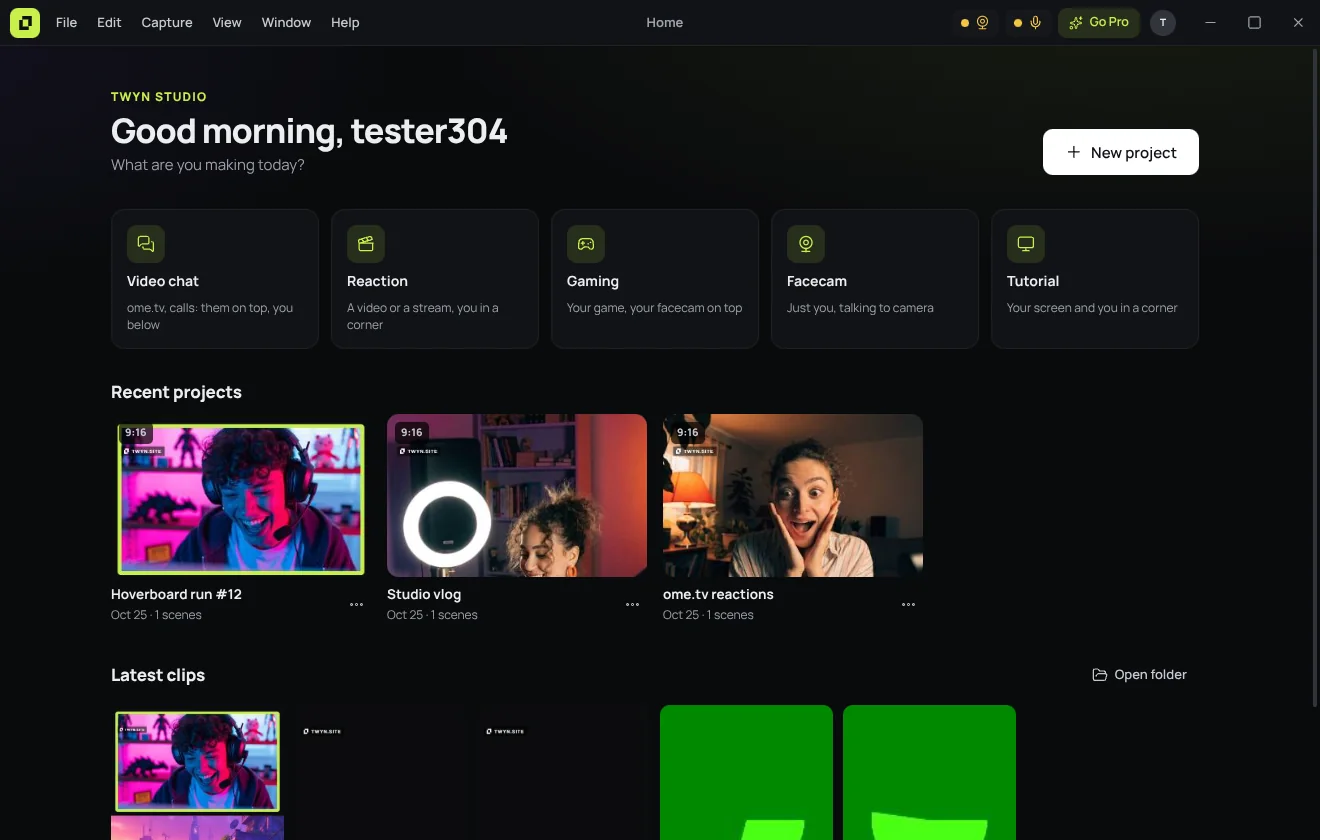
New project
Three questions and you are recording.
- Where you post: TikTok, YouTube or Instagram
- What you make: gaming, reaction, video chat, tutorial…
- Which window and which camera
TWYN builds the scene for you. Everything stays editable.
Record
A simple OBS, made for vertical videos.
Scenes, sources and layouts, without the learning curve. Drag, resize, double-click to crop: what you see is what gets recorded.
- Windows, screens, webcams, phone, images, text
- Layouts for video chats, reactions, gaming and tutorials
- Computer sound and your mic, 1080p 60 fps free
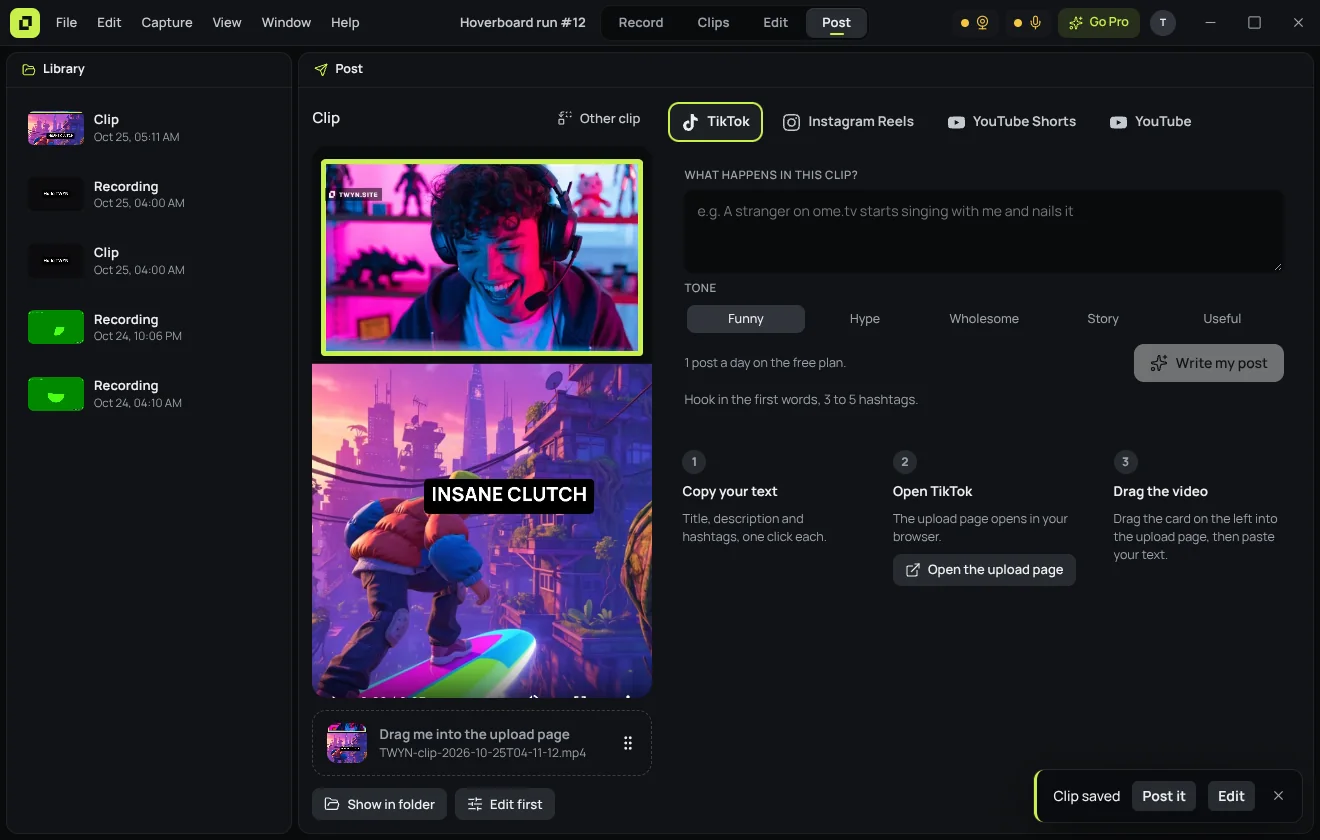
Post
The text that makes people watch.
Tell TWYN what happens in the clip. It writes the hook, the description and the hashtags for TikTok, Reels, Shorts or YouTube. Copy, drag the video into the upload page, done.
- Three versions to choose from
- Rules of each platform built in
- Drag the video straight from TWYN